21 March 2014 · Benedikte Vanderweeën
Tutorial on how to make your sketch an app icon
I wrote a step-by-step tutorial on how to convert your sketch to a full vector app icon.

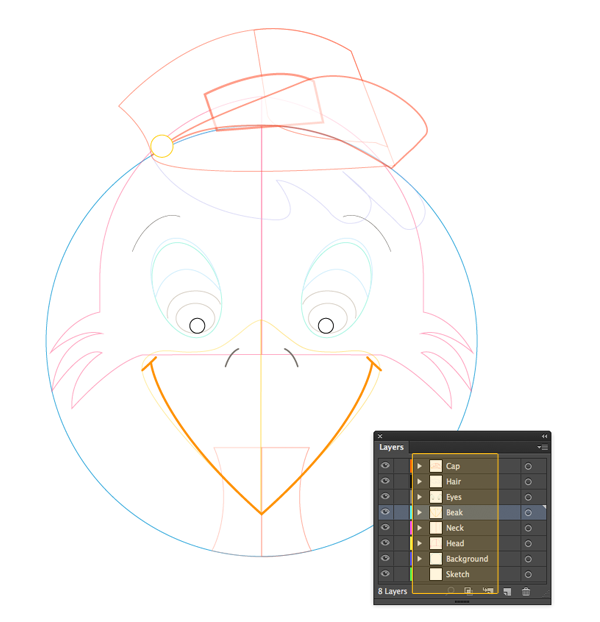

This tutorial covers:
- Start by sketching and decide which sketch to use for the final icon
- Doing research by creating moodboards and reading articles
- Start the vectorizing process in Adobe Illustrator
- Set up the workspace
- Import your artwork
- Place each element on it's own layer
- Combine shapes
- Choose a color palette (iOS 7 Color Palette, AI and ASE file)
- Color your vector work
- Add details
- Assembling all the elements
- Delivering the icon
- References
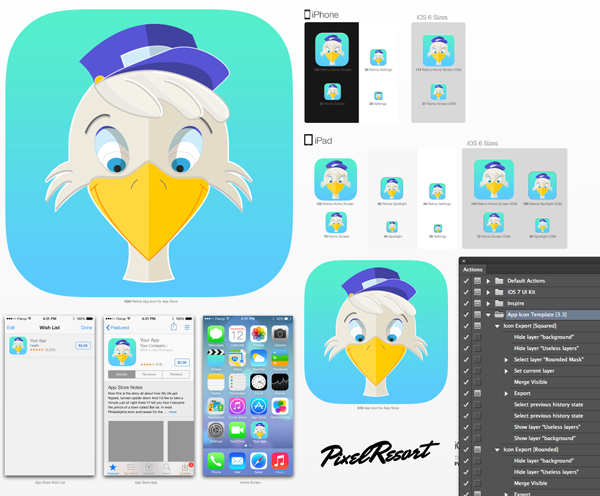
Instructions on how to use the Icon app template:
Watch this brief Vimeo video:
How to use the App Icon Template from Michael Flarup on Vimeo.
Hopefully you will find it helpful in your own projects, let me know.