19 November 2009 · Benedikte Vanderweeën
Creating a unique avatar
Yesterday, a person on Twitter was complaining about the fact that some other company/person had stolen his/her avatar. It resembled the original avatar quite a lot. In fact, there are a lot of avatars with the same look, same colors etc... I think you can avoid having your avatar looking similar to others if you spend a little more time when you choose your avatar and look for some ways to be more unique, more special, more attractive ...
Think of and look for some unique ideas
You can look for inspiration in several ways and not just on the internet. I read an interesting article on Think Vitamin (Carsonified Blog) written by Mike Kus on finding offline inspiration Here's the link.
- look for old photo's, try to cut out the most 'interesting' part
- look in old magazines
- look in artbooks
- look at paintings, try to frame some details
- try to make a sketch of what your avatar has to look like
Try to keep your avatar simple
Your avatar will mostly appear at 16 x 16, 32 x 32, 64 x 64 pixels which is not much space to play with. So you will have to reduce all the elements you'll show:
- use only black and white
- use strong and flat colors
- try to reduce the elements in your avatar
- 1 element is enough for a small picture
I prefer Adobe Illustrator
I prefer making my avatars in Adobe Illustrator because of the scalability of your drawings. In case of pictures, you'll have to use a photo editor like Adobe Photoshop or other. I try to avoid using photo's but that's just a personal choice.
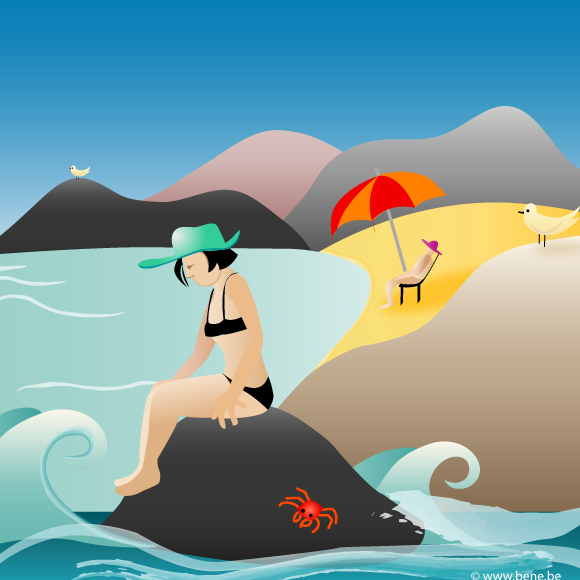
Some example sketches to use as avatars
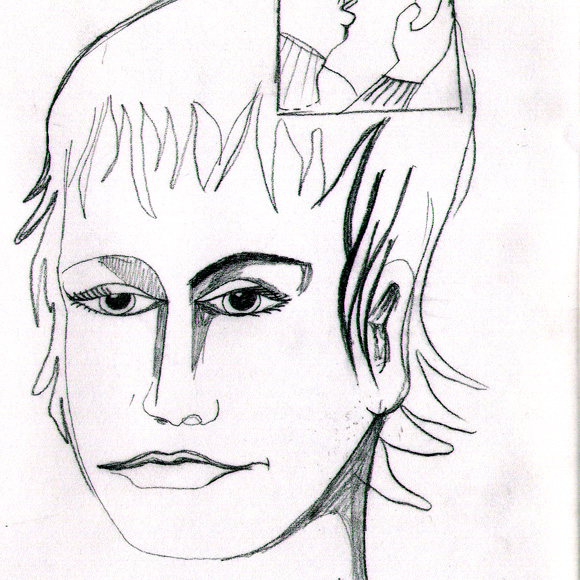
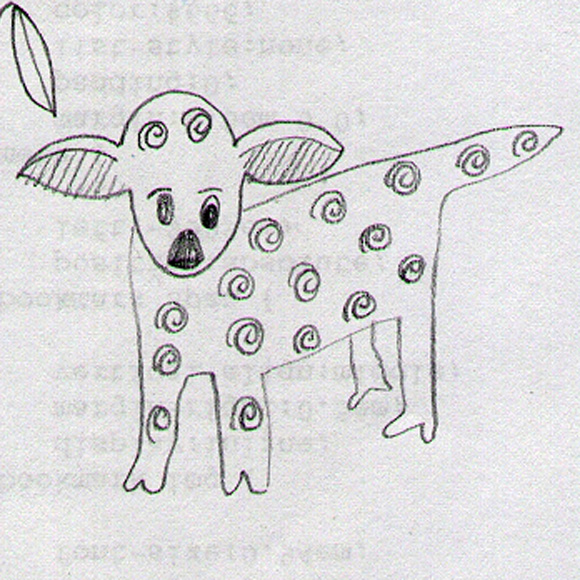
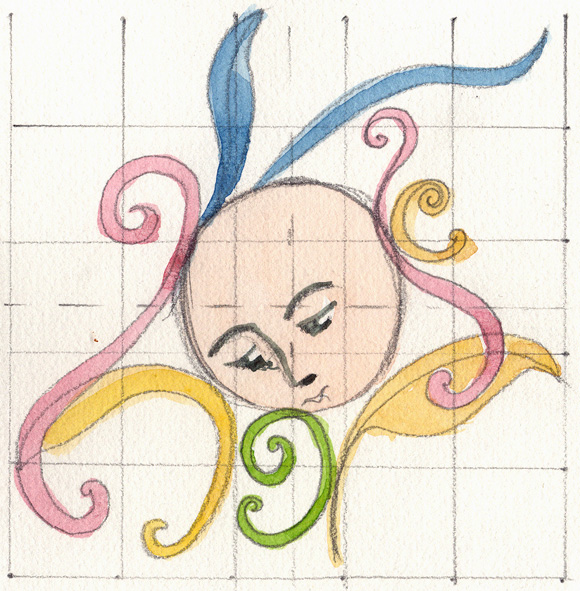
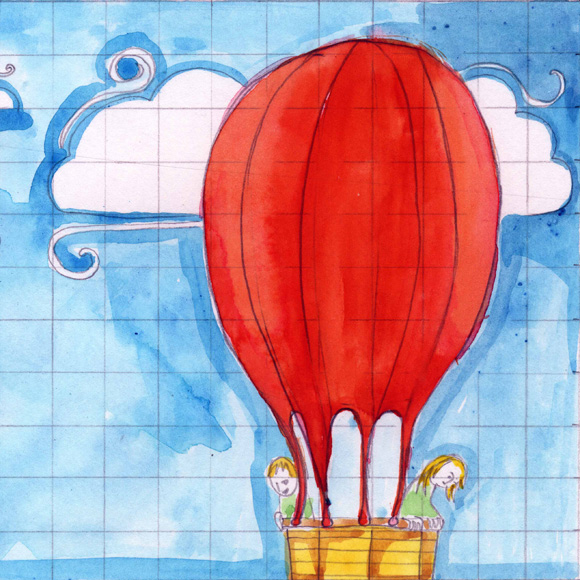
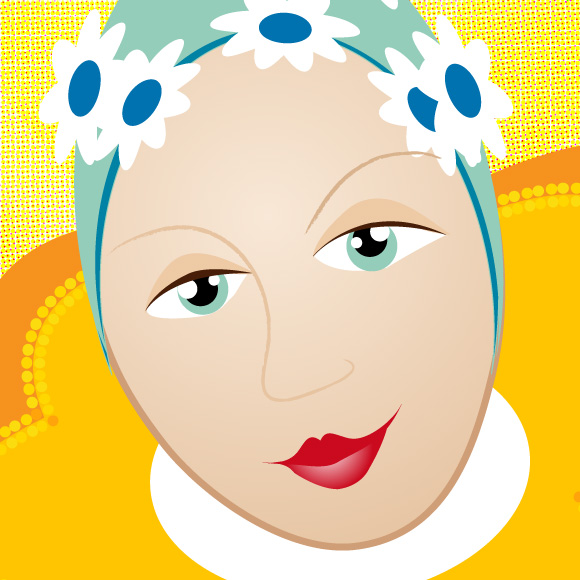
Some finished avatars
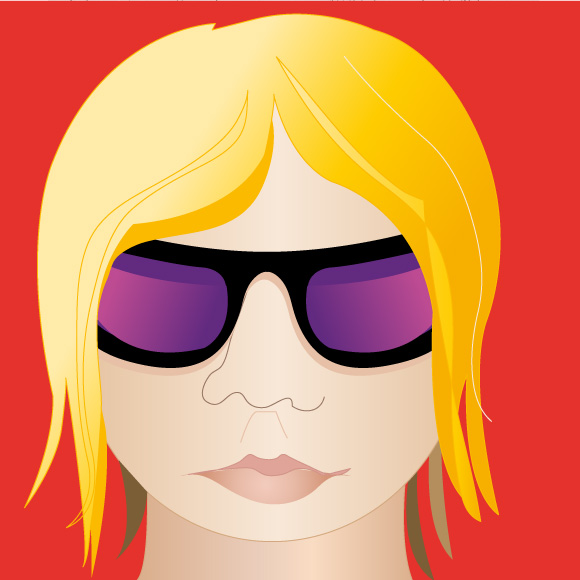
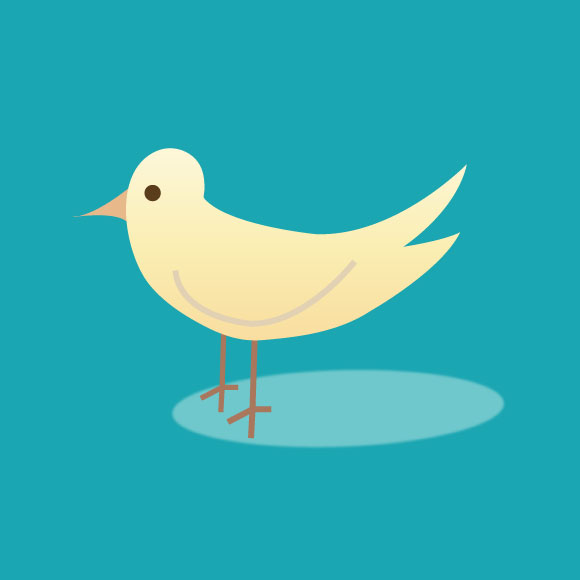
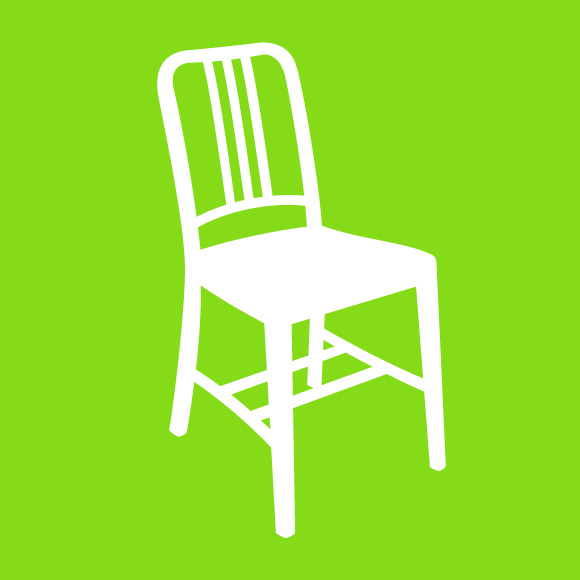
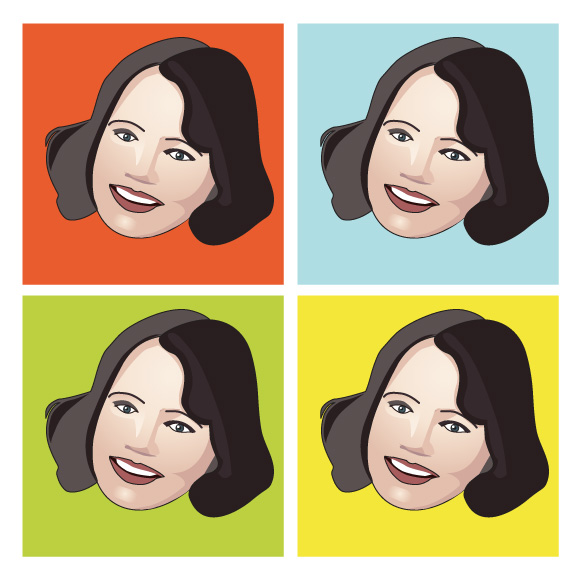
Flickr groups:
Check out this Flickr sets for inspiration:
- Les animaux tels qu'ils sont - Flickr Sets on drawing animals
- Flickr Sets by Jenny M. - for beautiful Colors
- Flickr Sets by Linzie Hunter - for custom typography
- Flickr Sets by Ilustrista - some nice idea's
- Design Inspiration Group for inspiration